You've done what any sensible person would do before starting something: research. Five tabs open, all service providers in your niche, all with different websites. You're trying to figure out what pages you actually need before you start.
And now you're more confused than when you started.
One person has a "Services" page and a separate "Work With Me" page, are those the same thing? Another has seven items in their navigation menu, dropdowns included. The person you actually admire most only has three. Someone has a Portfolio, someone has a Resources page, someone has a blog with two posts from 2021. You have no idea what's standard and what's just personal preference, and none of these websites come with an explanation.
Here's the thing: Every business is different, which means every website is different. That's exactly why looking at other people's sites for the answer doesn't really work.
So let's actually answer the question.
For most service businesses, you only need four core website pages: Home, About, Services, and Contact. Plus a privacy policy.
What pages does a service business website need
For most solo service providers, the list is shorter than you think.
Home
Your homepage should clearly explain what you do, who it’s for, and what someone should do next.
This is a summary of everything else on your site. It's not where you explain all the details. It's where someone lands, understands immediately what you do and who it's for, and knows where to go next.
One important note: build this page last. Trying to write a homepage summary when you haven't written anything else yet is like reviewing a restaurant you haven't eaten at yet – you're kind of guessing. Do the other pages first, then come back to this one.
About
Your about page should build trust by showing who you are and why you're a good fit for your client.
The name is slightly misleading. Your about page isn't really about you, it's about you in relation to your client. What that means in practice: your hometown, your education, and your favourite TV show are only relevant if they make you more relatable or credible to the specific person you're trying to work with.
This isn't a resume, so you don't need to list your qualifications unless they're relevant to your industry or meaningful to your client. At the same time, you're not just rattling off fun facts about yourself either.
The question to ask is: what do people need to know about me to feel like they can trust me with this? That's what belongs on your about page. Anything that builds that connection stays. Anything that doesn't, leave it out.
Services
Your services page should clearly explain what you offer so someone can decide if they want to work with you.
How you structure this depends entirely on your business, and it's one of the areas where looking at someone else's website will lead you astray fastest.
Some service providers need a separate page for each offer because the process is complex, the deliverables need explaining, or the client needs a lot of information before they're ready to enquire. Others can list everything clearly on a single page and that's more than enough.
Neither is wrong. The question is what your potential client needs to understand before they're ready to take the next step. That’s the job of your services page.
Contact
Your contact page should make it easy to get in touch and explain what happens after someone reaches out.
This page needs more thought than most people give it. At minimum, it should tell someone how to get in touch and what happens after they do.
Will they receive a reply within 48 hours? Will they be invited to book a discovery call? Will they get a questionnaire? Spell it out.
A contact page that just has a form and nothing else leaves people guessing, and people who are guessing tend not to follow through.
One more thing: Privacy policy
Not a page you need to write from scratch, but you do need one. Most website platforms, including Squarespace, provide a standard template you can use. It is a legal requirement in a lot of countries, but it can be simple and you really don't need to overthink it.
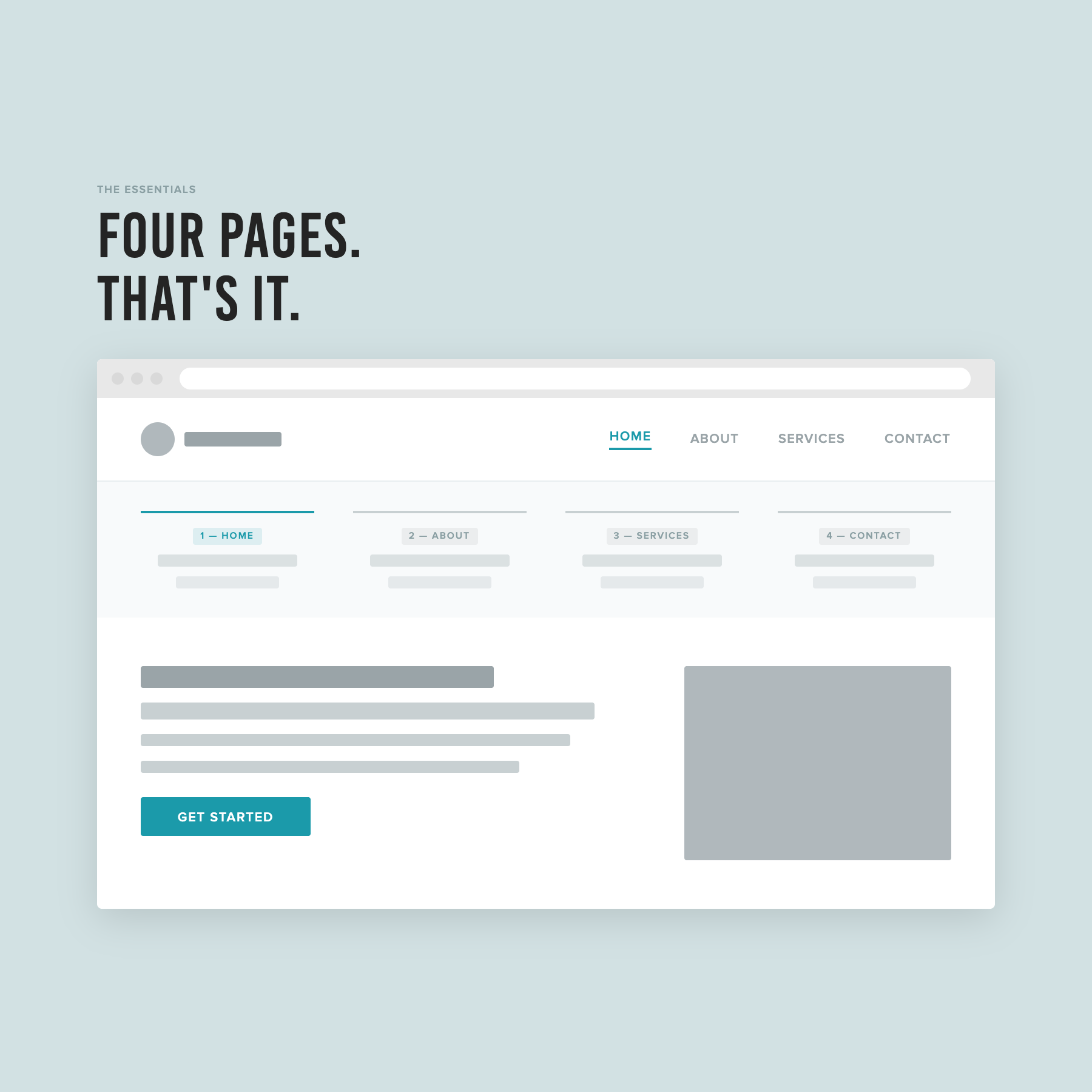
Four pages. That's the whole list for most service businesses: Home, About, Services, Contact.
The pages your service business website doesn't need yet
Portfolio. Blog. FAQ. Testimonials. Resources. These can all be genuinely useful, but none of them are necessary to launch a fully functioning website. A portfolio page is a great addition once you have work to show and the time to present it properly. A blog is worth building once you have a content strategy behind it. A testimonials page makes sense once you have enough reviews to give them their own home.
BUT none of these should be reasons your website launch gets delayed. If they're not ready, leave them out. You can always add them later, you don't need them right away for your website to work.
What actually ties it all together
Here's the thing that most website advice doesn't mention: the pages themselves aren't really the point. What matters is that every page on your site is working toward one clear action you want someone to take.
Book a call. Submit an enquiry. Fill in an application.
Whatever that is for your business, it should be present and obvious on every single page (not just the contact page!).
That one action is your Call to Action, or CTA, and it's essentially the reason all the other pages exist. They're there to give someone enough information, enough trust, and enough clarity to take that step.
If you build your pages with that logic, asking yourself “What does this person need to know before they're ready to enquire?”, the question of what to include on each one gets a lot easier to answer.
You don't need to copy anyone
Every business on those five tabs has different services, different clients, and a different process. What works for their website isn't necessarily what works for yours, which is why building from someone else's navigation is never going to give you a clean answer.
What you actually need is four solid pages, a clear CTA running through all of them, and content that gives your potential clients what they need to make a decision. That's it.
If you want a step-by-step system for setting up exactly that, including what to write on each page, where to put it, and how to make it look polished, that's what The Capsule Template is built for.
This post is part of a series on setting up your service business website. Read the full series: