
The Capsule TemplatE kit
includes Website Template, Video course, content workbook & canva backgrounds
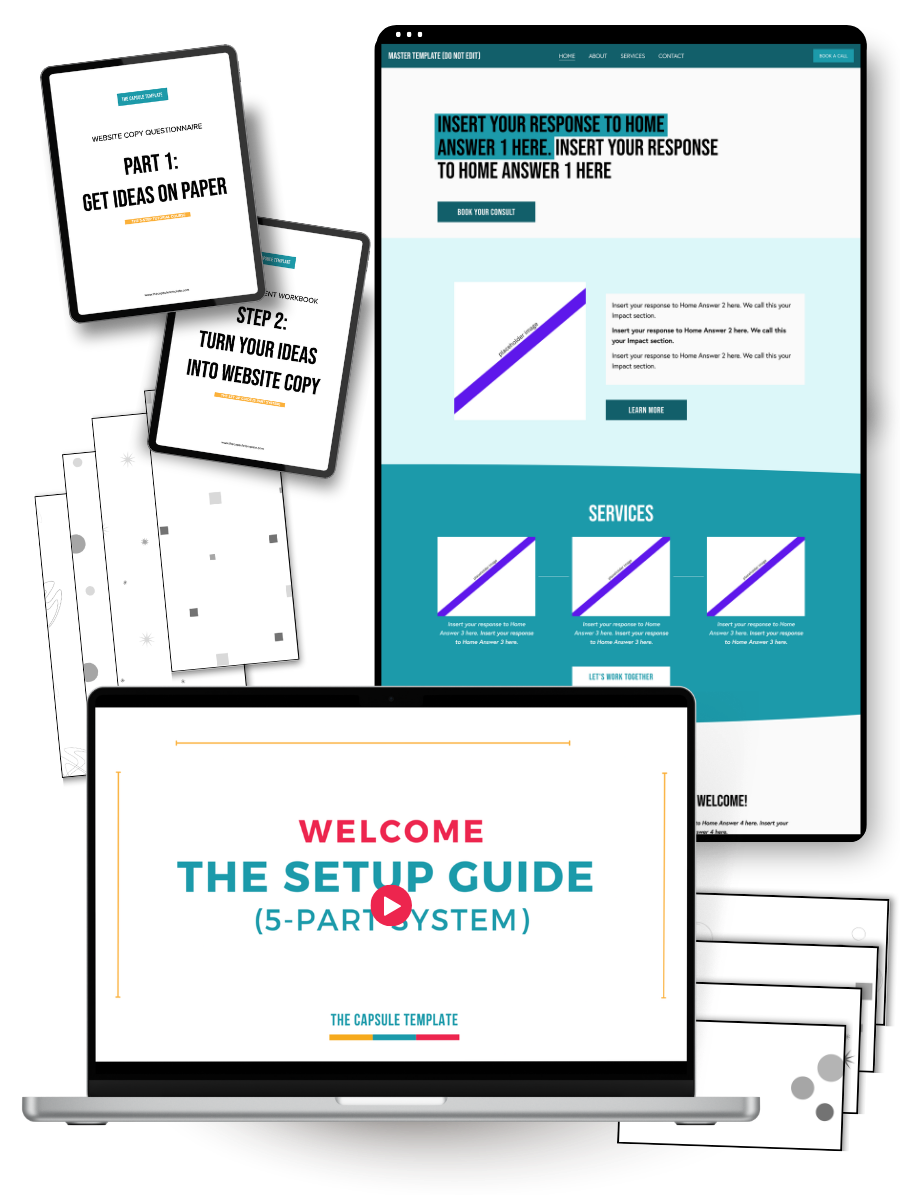
A Squarespace template built for one specific person: the business owner who is established, capable, and low-key embarrassed by their current online presence.
You'll finish with a site you're proud to share, and the confidence to update it yourself without touching a single thing you shouldn't.
Now available at our launch price, the lowest it will ever be.
Includes
Squarespace Website Template
Website Deco Kit in Canva
The Set Up Guide (5-Part System) video course
Website Content Questionnaire & Workbook
LOOKING FOR THE FINER DETAILS?
What’s included:
-
A copy of the Master Capsule Template built on Squarespace 7.1 Fluid Engine installed directly into your Squarespace account
-
Our Set Up Guide includes video tutorials that will walk you through the exact process of creating and launching your website
-
Our Deco Kit in Canva allows you to quickly & easily add backgrounds that showcase your brand with just a few clicks
-
Even if you have no idea what to write, we’ll guide you through writing all of your website content. Includes our AI system to write copy that still sounds like you PLUS we show you exactly where to place the copy on your website in the Set Up Guide.
-
Final launch checklist so you can cross the t’s and dot the i’s before you launch, including instructions for how to add your own personalised domain
-
30 days of template support after delivery, via email, for any technical issues related to the template itself or customization.
What you’ll need:
-
You will need a paid Squarespace hosting subscription for your new website. You don’t need to purchase this until you’re ready to go live. We’ll walk you through the process. Check out Squarespace’s current pricing here.
-
The domain is the URL for your website e.g. “mygreatwebsite.com”. You can purchase this any time and will only need to connect it when your website is ready to launch.
-
A Canva account (either free or paid) if you’d like to edit the designed section backgrounds.
Early buyers get the lowest price it will ever be, plus a $50 USD refund when you submit your feedback. Only available for a limited time.
Includes
Squarespace Website Template
Website Deco Kit in Canva
The Set Up Guide (5-Part System) video course
Website Content Questionnaire & Workbook

First things first, let’s get one thing straight…
This is not just anOTHER Squarespace website template…
WHY WE’RE DIFFERENT
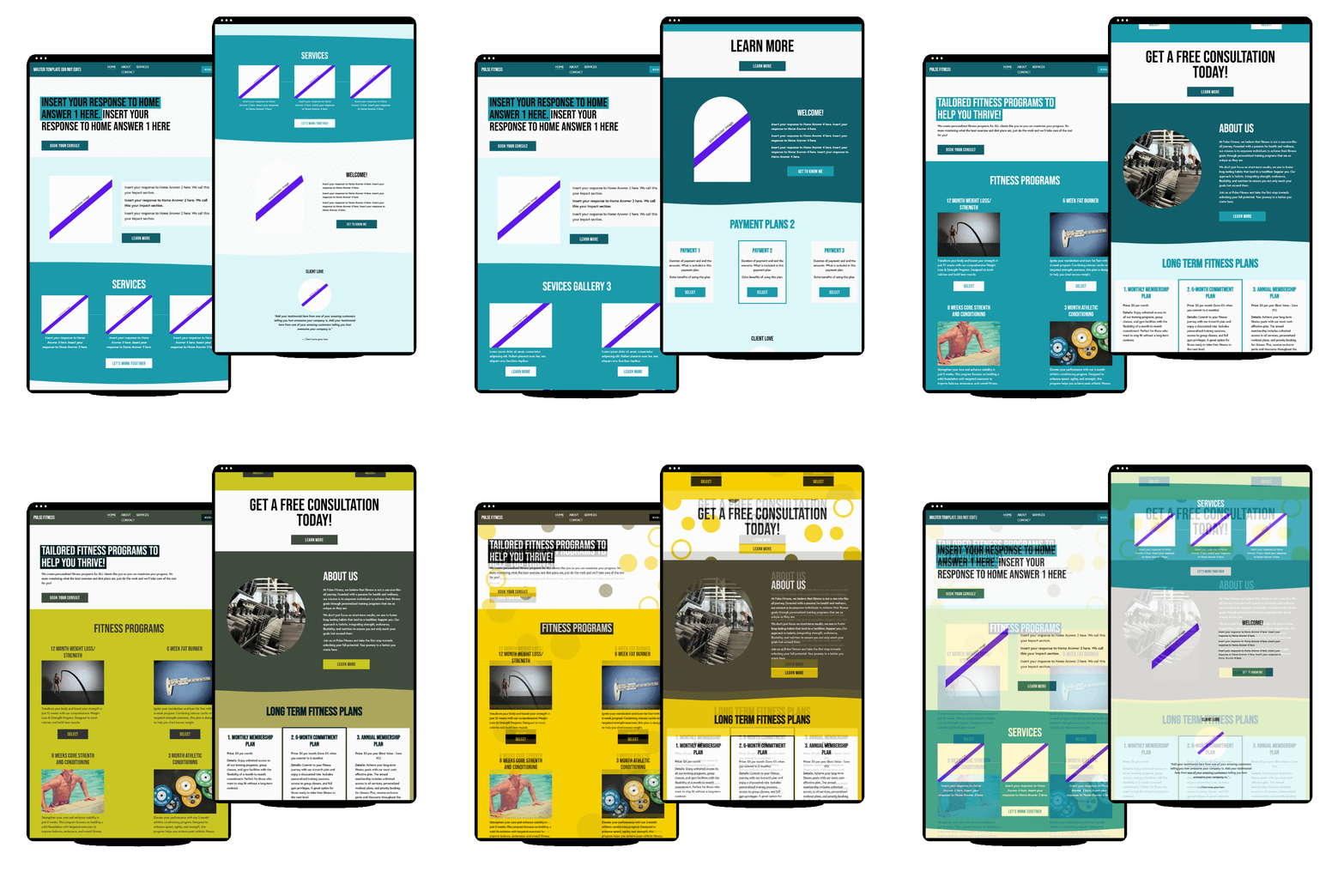
Setting up, not designing
Think about the last time you set up a new phone. You didn't need to understand how it was engineered. You followed the steps, made a few choices, and ended up with something that worked exactly the way it was supposed to.
That's the experience Capsule Template is built to give you.
Most website templates hand you a blank canvas and assume you'll know what to do with it. The Capsule Template doesn't work like that.
The layout decisions are already made. The visual logic is already built in.
Your job is to follow the Set Up Guide, add your content where it belongs, and end up with a site that looks like someone with a good eye put it together.
Because structurally, someone already did. You're just making it yours.
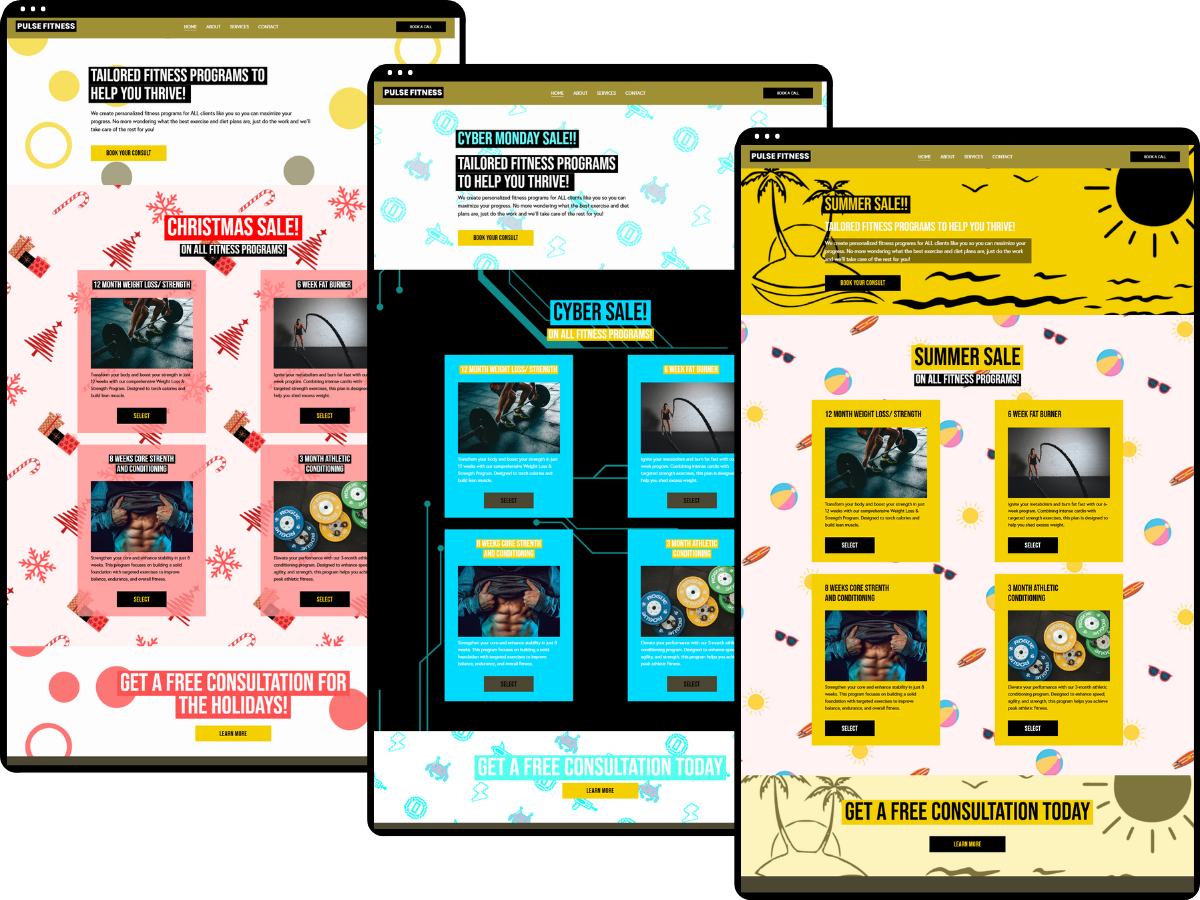
Your site grows when your business does
A website isn't something you set up once and leave alone.
Offers change, services evolve.
You want to add something new, run a promotion, or update your homepage without having to call anyone or start over from scratch.
The Capsule Template is built for that. The section library and background kit are designed so you can add, swap, or refresh your site without breaking the look you've already established.
Whether you're making changes six days after launch or six months later, your site stays cohesive. You're always in control of it.
You'll know exactly what to write before you touch the template
The blank page is where most people get stuck. Not because they don't know their business, but because nobody has ever shown them how to translate what they know into website copy.
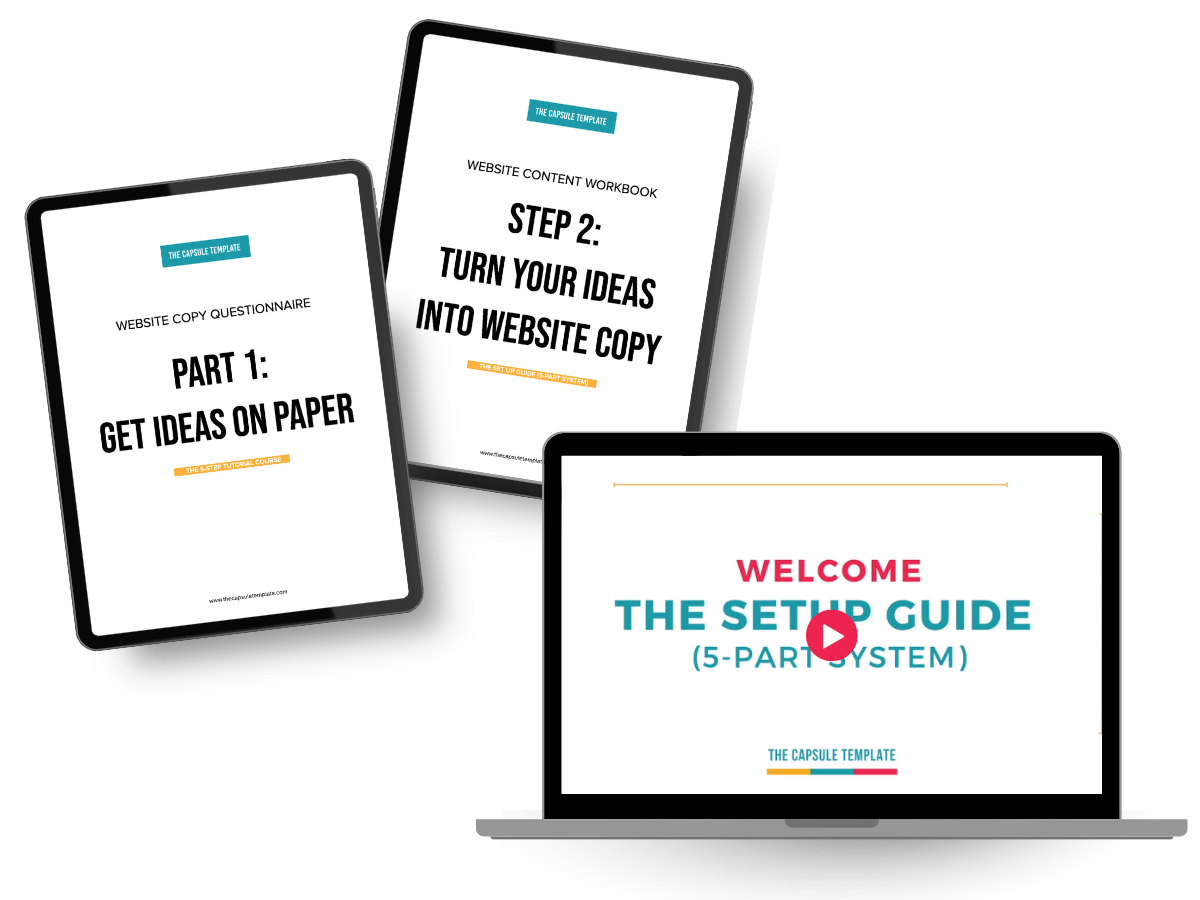
The Set Up Guide includes a two-part content workbook that handles this before you open the template.
Part one is a questionnaire that pulls everything out of your head: your background, your services, your clients' problems, how you work.
Part two takes those answers and walks you through turning them into copy for every section of your site, page by page, with prompts, character count guidance, and optional AI prompts if you want to move faster.
By the time you're ready to apply content to your template, it's already written.
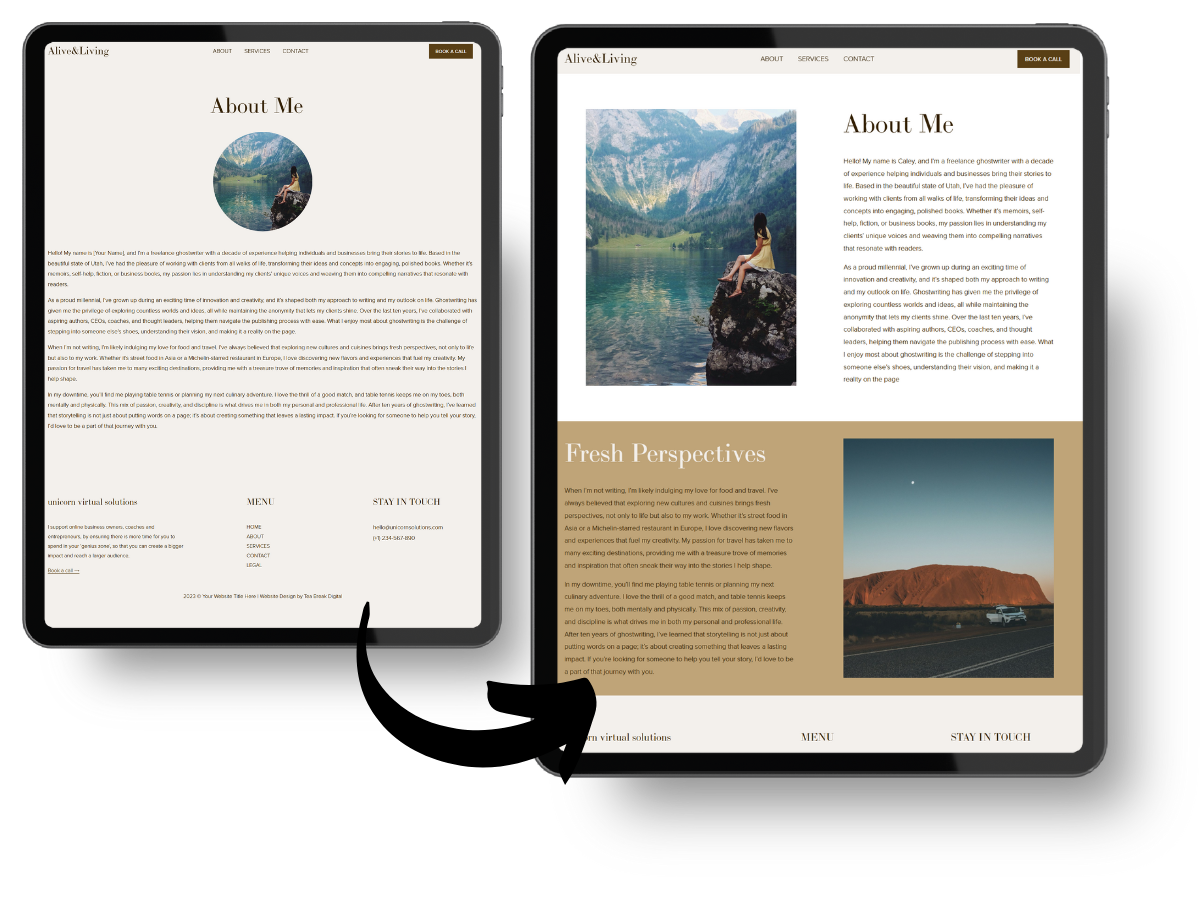
Your content fits the way it is
Most templates are built design-first. You pick one, fall in love with how it looks, and then try to fit your actual business into it. Too much to say? Cut it down. Not enough? Add fluff to fill the space. Delete a section entirely? Suddenly the whole page looks off.
When the design comes first, your content spends the whole time trying to squeeze itself into a mould it wasn't made for.
The Capsule Template is built the other way around. The content workbook gets your copy written first. Then the template is designed to accommodate what you've actually written, not a idealized version of it that a designer imagined.
Ready to get your site sorted?
Available now at the launch price of $197 USD. Rises to $347 USD after launch.
Submit your feedback after you've built your site and get $50 USD back.
Includes
Squarespace Website Template
Website Deco Kit in Canva
The Set Up Guide (5-Part System) video course
Website Content Questionnaire & Workbook
What happens next?
Step 1:
Purchase your template
Simply hit the button above to purchase. If you already have a Squarespace account, make sure you provide the same email address. All prices are in USD.
STep 2:
Delivery within 48 hours
We’ll send you an invitation to add the template to your Squarespace account. You’ll also receive access to the Canva Deco kit and Set Up Guide course. It’s really simple and you’ll get clear instructions.
Step 3:
Make it your own
We’ll walk you through everything you need to do to launch your site – from how to choose your brand colors to writing your website copy. Once you pay for a Squarespace plan (you get a discount for working with us), your website is live!
Get it at the Launch price
Be one of the first to own The Capsule Template, shape its next version with your feedback, and get $50 USD back when you do.
Includes
Squarespace Website Template
Website Deco Kit in Canva
The Set Up Guide (5-Part System) video course
Website Content Questionnaire & Workbook